
Nested table report

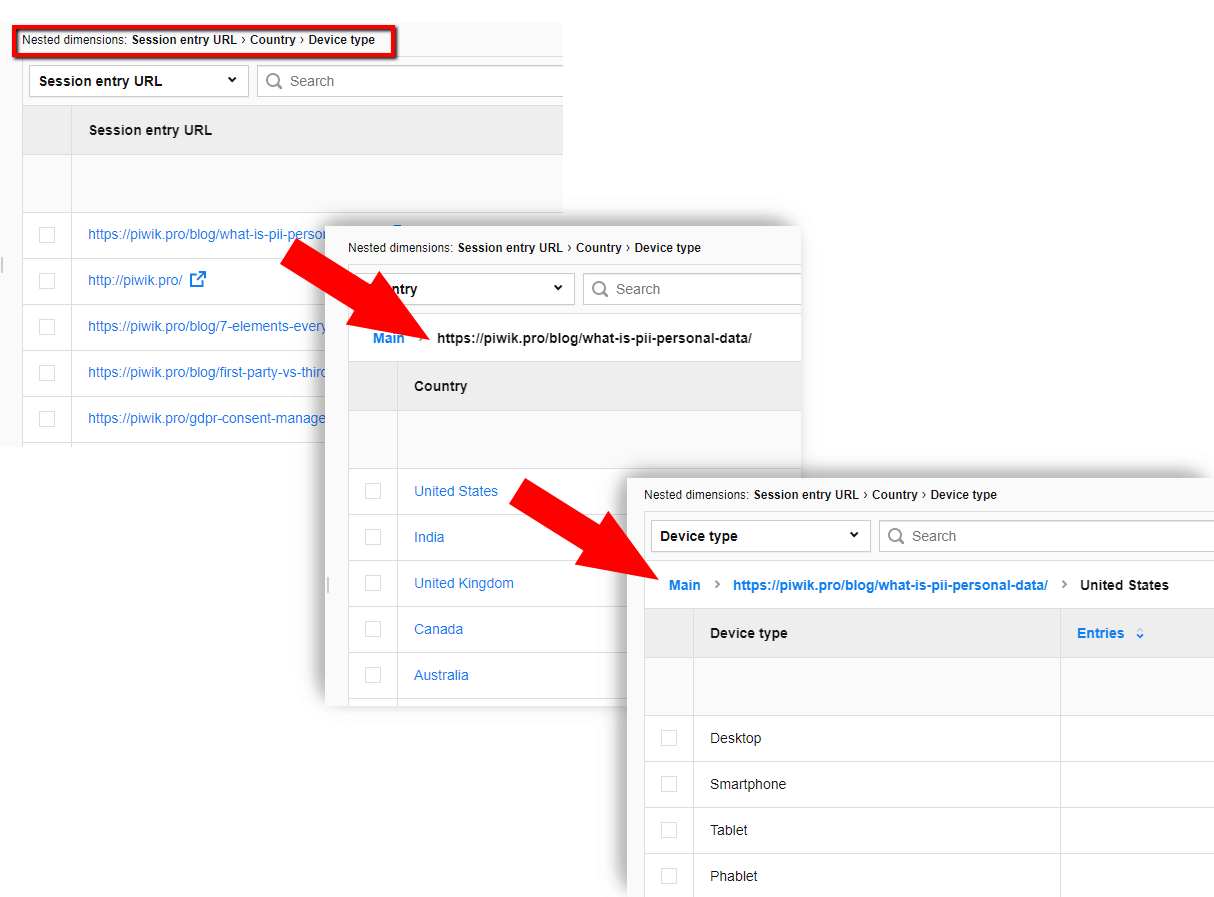
Nested tables are created when you select more than one dimension in a custom report. The report will display the dimension you selected first. When you click on this dimension the next selected sub-dimension will be displayed. You can continue drilling down on dimensions until you get to the last sub-dimension. Piwik PRO Analytics Suite allows for up to seven nested dimensions.
To find more information on tables and dashboards, check out our related posts:
  • Privacy by design in practice: How “just enough” data beats “just in case” collection

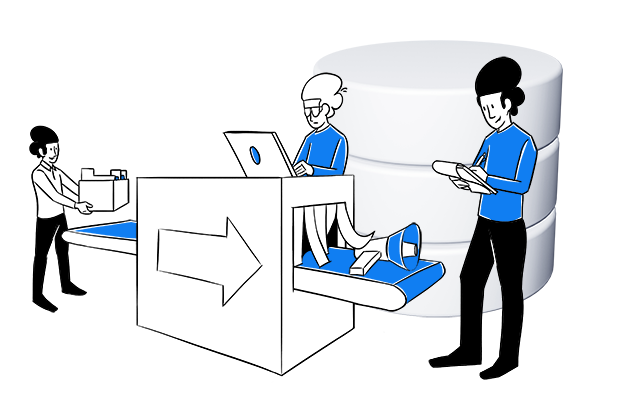
    While collecting more data “just in case” feels safer, according to Matt Gershoff, it’s also one of the biggest sources of unnecessary compliance risk, analytical noise, and wasted organizational resources in the analytics industry today. His approach of “just enough” data collection is more intentional, more aligned with privacy regulation, and often more analytically effective.

  • 4 ways to make your analytics HIPAA-compliant: Implementation guide

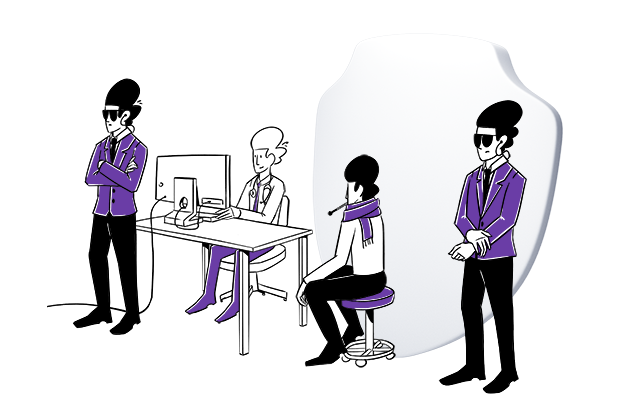
    Healthcare organizations have four main approaches to achieving HIPAA-compliant analytics. Each has different trade-offs in cost, technical complexity, and analytics capabilities. This guide compares all four implementation methods – from using Google Analytics with workarounds to deploying fully HIPAA-compliant analytics platforms – so you can choose the right approach for your organization’s needs and resources.