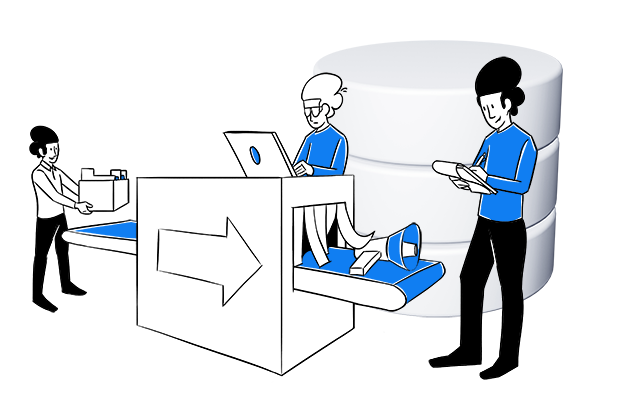
Redirection is a process that takes visitors from one URL to another (page or file). Its purpose is generally to straighten out your website and get rid of dead ends. Most users won’t notice that they have been redirected. Redirect is crucial for good visitor experience because without them your visitors will bump into 404 pages (aka page not found).
There are a couple of HTTP statuses regarding redirection:
- 301 Moved permanently – This mostly used response code means that the URI of the requested resource has been changed permanently.
- 302 Found – This response code means that the URI of the requested resource has been changed temporarily.
And another:
- 303 See Other
- 304 Not Modified
- 305 Use Proxy
- 306 unused
- 307 Temporary Redirect
- 308 Permanent Redirect
Redirection is commonly used for Search engine optimization (SEO) .
To learn more about improving user experience, read our article 10 things to consider for improving user experience with web analytics