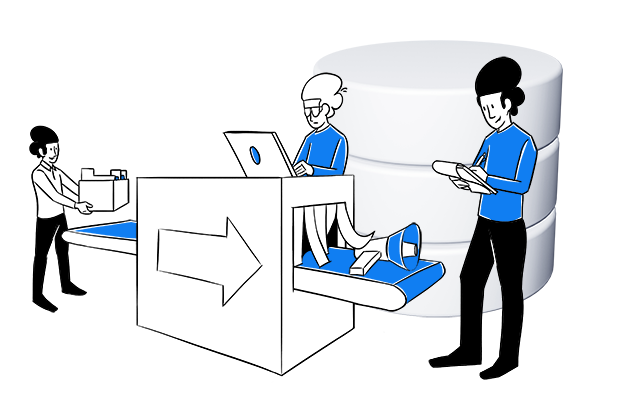
Server-side analytics refers to tracking and collecting website data on a dedicated server of a website or app rather than in the user’s browser (the “client”), as with traditional tracking. After capturing the data on your own server, you can modify it and forward it to existing analytics and marketing tools.
Server-side analytics provides increased security and control because there is an additional layer between the website and the data collection platform. Depending on the final configuration, the data is less affected by ad blockers and other tracking restrictions, making it more accurate and comprehensive. On the other hand, server-side analytics requires technical expertise and resources to set up and maintain.
Server-side analytics differs from client-side analytics, where data is transferred directly from the user’s browser (the client) to an external third-party server, like an analytics account.
Server-side tracking is one of the methods that can be used with a first-party collector, which combines the benefits of server-side and client-side tracking. In this approach, cookies are set on the client-side, and the tracking requests come directly to a first-party domain instead of a third-party analytics platform.
Tools that offer server-side analytics include Google Analytics 4 (GA4), Piwik PRO Analytics Suite, Matomo and Heap Analytics.
Learn more: